APSGO LOGO
Combination
x1
Total Price:
View Cart
No APPS available
件
Cart
HomeOverviewOmniOutliner 6 for Mac 信息大纲记录软件
OmniOutliner 6 for Mac 信息大纲记录软件
-9% OFF!
OmniOutliner 6 for Mac 信息大纲记录软件截图OmniOutliner 6 for Mac 信息大纲记录软件截图OmniOutliner 6 for Mac 信息大纲记录软件截图OmniOutliner 6 for Mac 信息大纲记录软件截图OmniOutliner 6 for Mac 信息大纲记录软件截图OmniOutliner 6 for Mac 信息大纲记录软件截图OmniOutliner 6 for Mac 信息大纲记录软件截图OmniOutliner 6 for Mac 信息大纲记录软件截图OmniOutliner 6 for Mac 信息大纲记录软件截图OmniOutliner 6 for Mac 信息大纲记录软件截图
上一个下一个
Download
OmniOutliner 6 for Mac 信息大纲记录软件 U.S.A
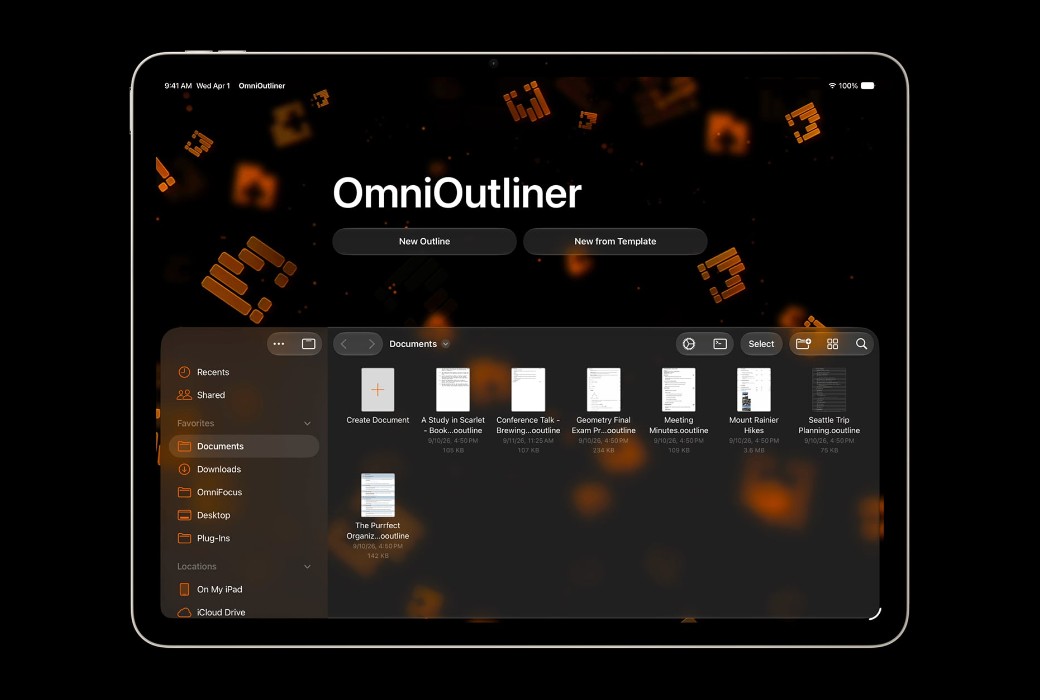
OmniOutliner's powerful and efficient application creates the perfect outline. This is a universal tool for Mac. Including smart columns, scriptability, custom styles, templates, etc.
Edition:
Standard Education
Version:
Pro License Essentials License
* Purchase this specification to receive the following gifts : ( Buy 1 or more items and the offer is valid until stock lasts )
Note: In seckill, once sold out, the original price will be restored!
Hurry! Limited-time offer ends soon!
Currently available last items
Preview of seckill, event price: CNY
The inventory available for seckill is items
Retail Price
Specifications
Not Selected
Group Buying
There is currently no Group Buying available, please open a group
{{ item.spec_desc }}
{{ item.user.nickname }} In {{ item.created_at }} Start Still need {{ item.left_count }}xPending Group Buying, some users have not paid
Join

Activity Rules

1、Activity time:{{ info.groupon.start_at }} ~ {{ info.groupon.end_at }}。

1、Activity time:cease when sold out。

2、Validity period of the Group Buying:{{ info.groupon.expire_days * 24 }} hours。

3、Number of Group Buying:{{ info.groupon.need_count }}x。

Please Pay Attention

1、Teamwork process: Join/initiate a Group Buying and make a successful payment - Within the validity period, the number of team members meets the activity requirements - Group Buying succeeded!

2、If the number of participants cannot be met within the valid period, the group will fail, and the paid amount will be refunded in the original way.

3、The number of people required and the time of the event may vary among different products. Please pay attention to the rules of the event.

Package
OmniOutliner 6 for Mac 信息大纲记录软件

OmniOutliner 6 for Mac 信息大纲记录软件

5
Standard Edition - Pro License
 $ 134.85$149.7
Standard Edition - Essentials License
 $ 26.7$29.85
Education Edition - Pro License
 $ 80.7$89.85
Education Edition - Essentials License
 $ 16.2$17.7
{{ info.sku.spec_desc }}
Main
+
{{ selectedCombos.count }} items
-
Save
=
Total
Selected  {{ selectedCombos.count }}  items,Add to cart
{{ item }} ({{ app.qa.questionsData.total }})

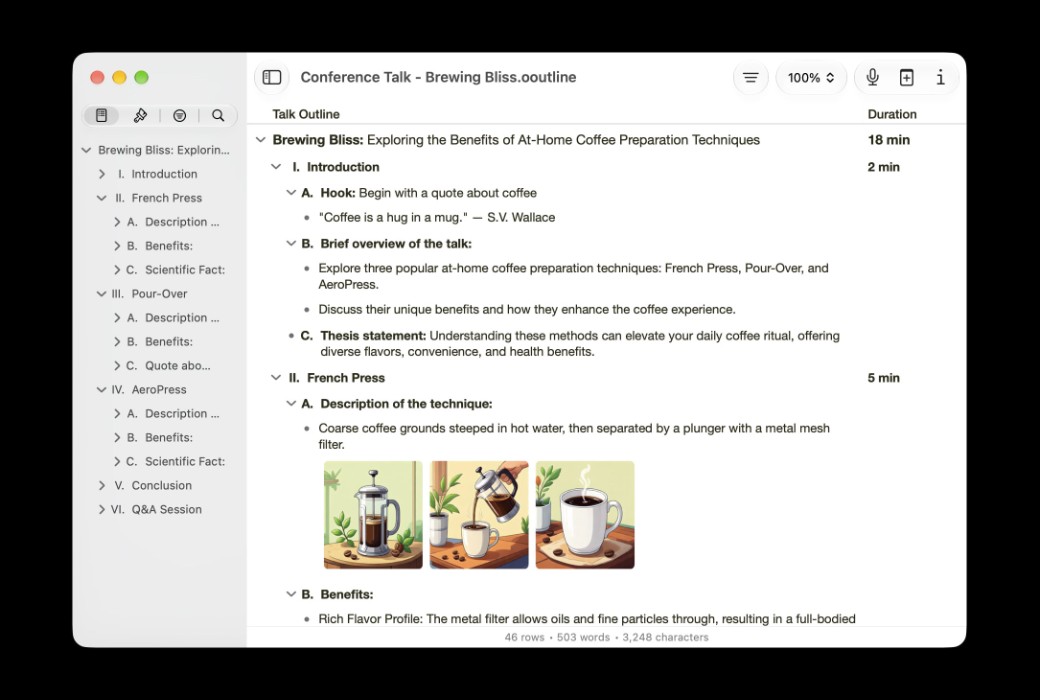
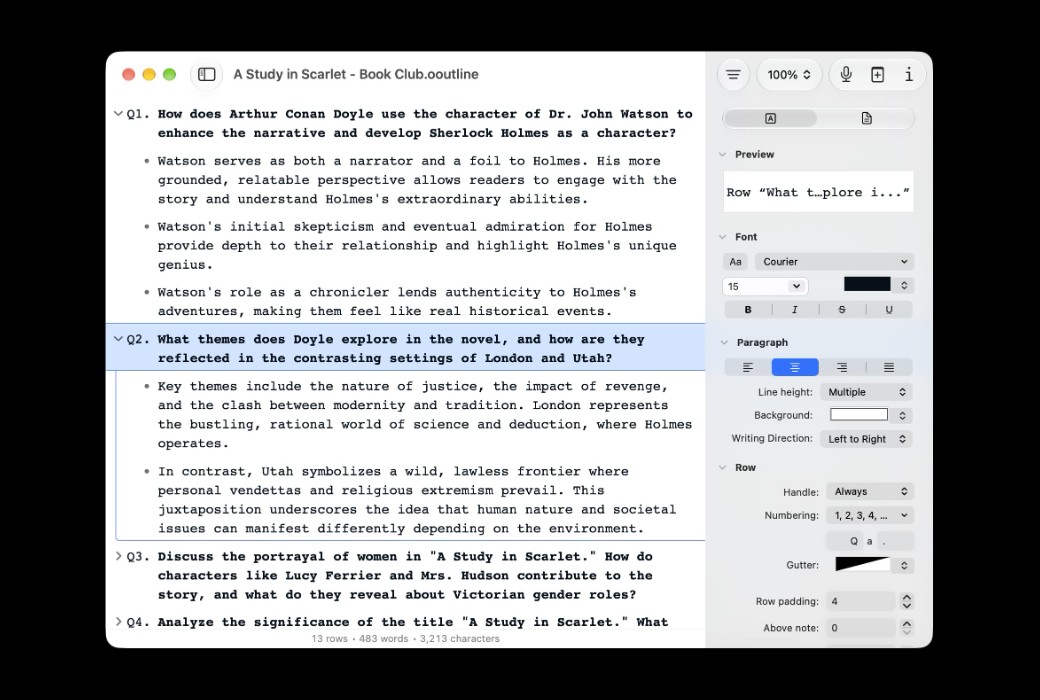
OmniOutliner is a software tool that records your daily work ideas


You can draft a to-do list, create a schedule, manage tasks, track expenses, take notes, and plan activities.

It is a flexible software that integrates the creation, collection, and organization of information.

Let your creation start with an interesting software designed specifically to help you, like an extra brain that won't let you lose any brilliant ideas.


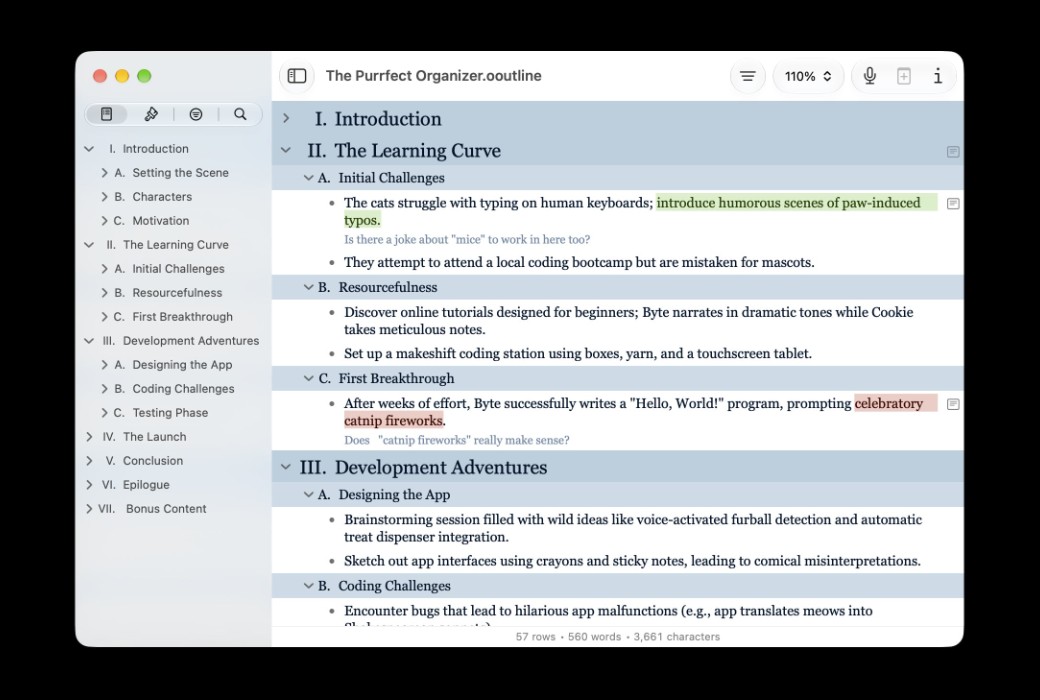
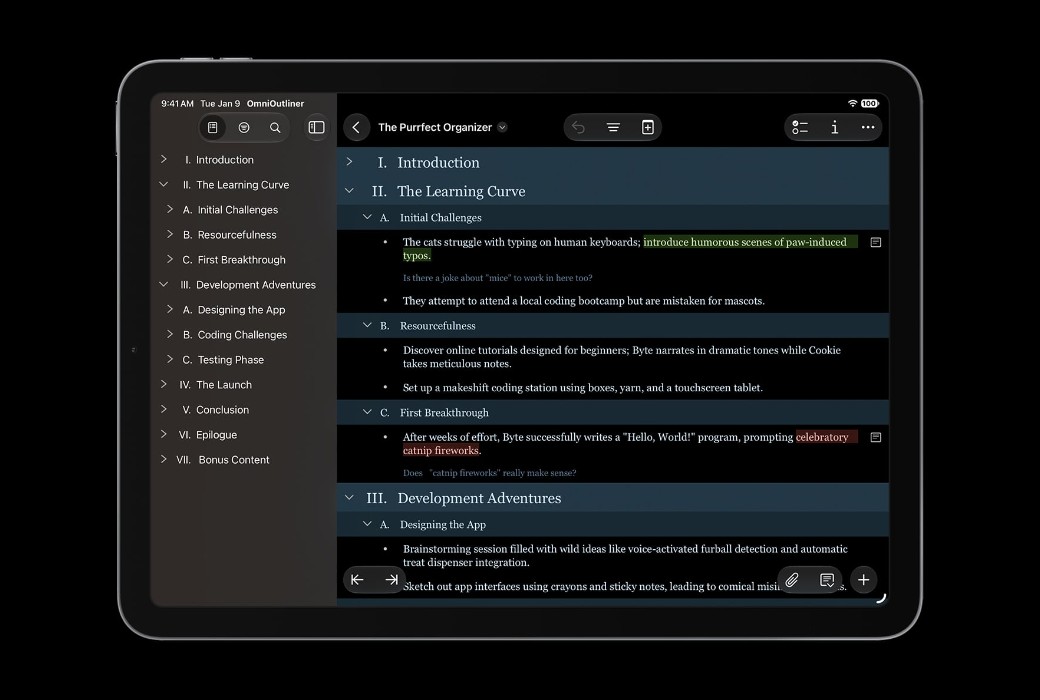
You can use OmniOutliner's document structure feature to create an extensible or collapsible multi-level file structure consisting of a main title and subordinate viewpoints.


This is extremely useful, especially when you generate any new ideas, delve into the details of viewpoints, and arrange the steps required to complete something.


OmniOutliner is versatile and minimalist, designed specifically for creating, collecting, and organizing information and ideas. OmniOutliner Essentials is simple and user-friendly - it contains everything you need to get started. The Pro version has added many powerful features such as intelligent columns, password protection, keyboard shortcuts, and more. Both versions can be tried for free!


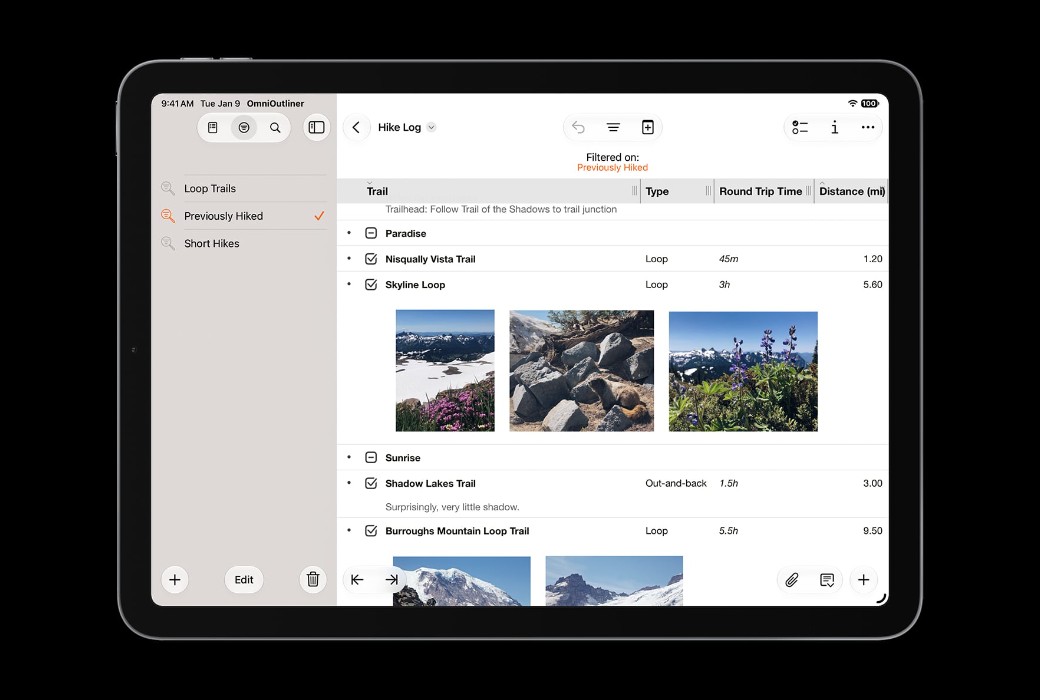
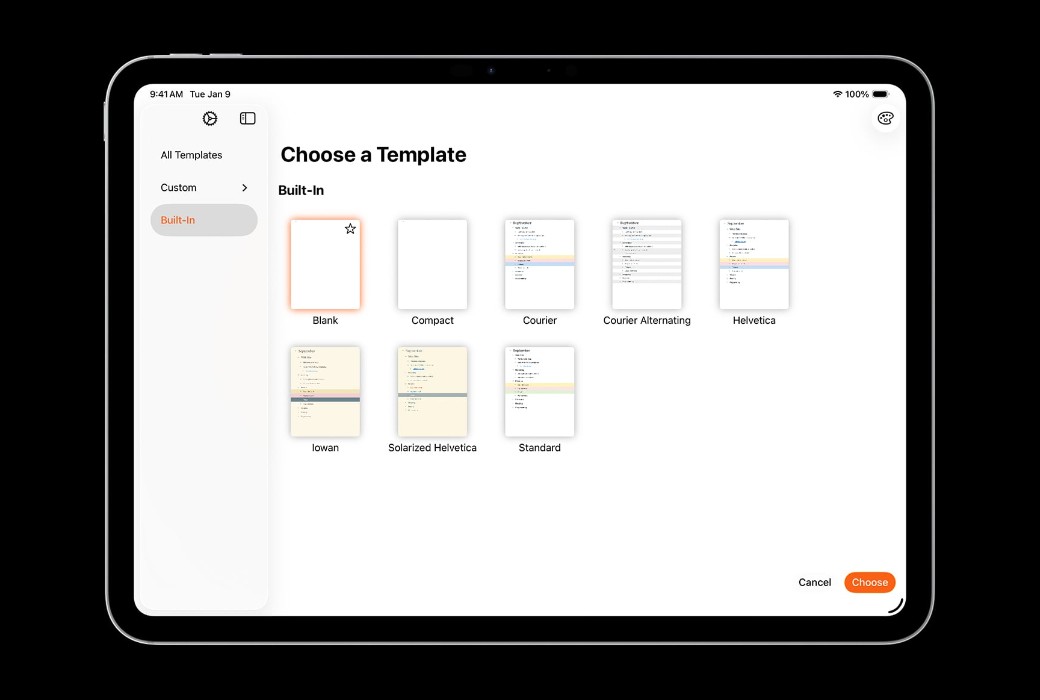
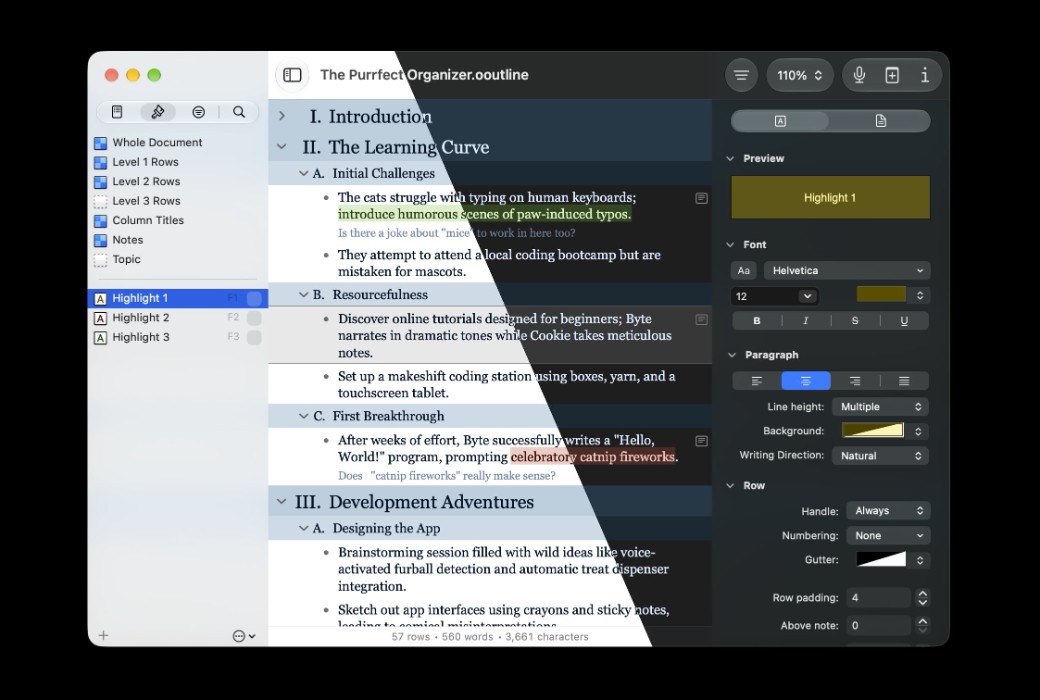
Use outlines to give structure to new ideas and stories, quickly readjust the workflow of the document, and build beautiful shared documents using built-in themes. But it's not just an outline tool, it also provides multiple columns, smart checkboxes, pop-up lists, and an extremely rich style system for you to use.


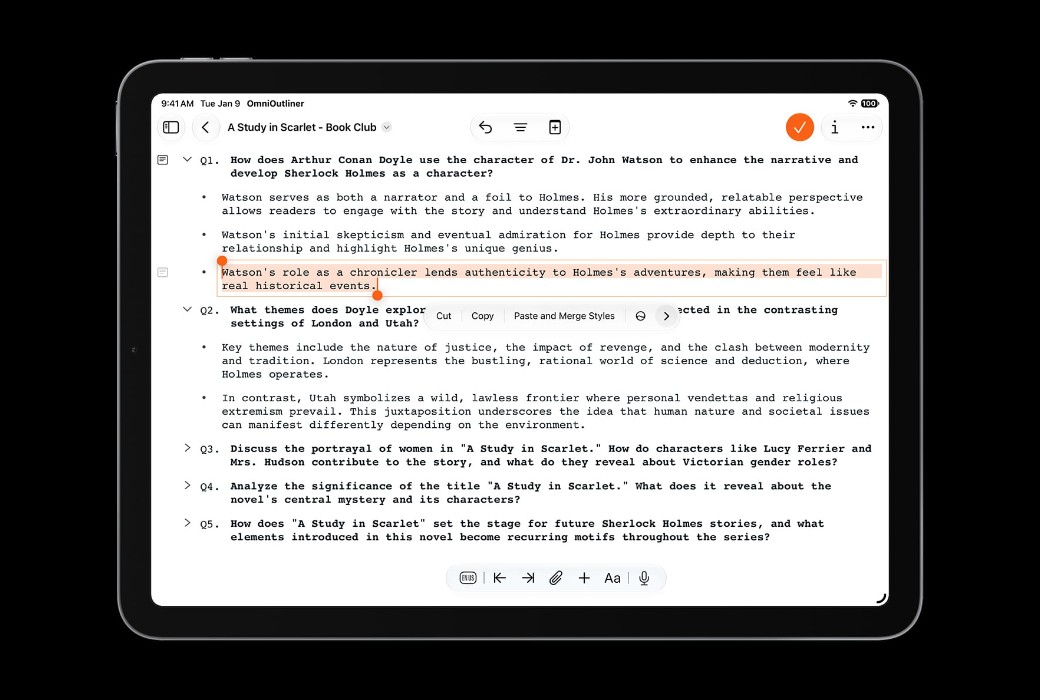
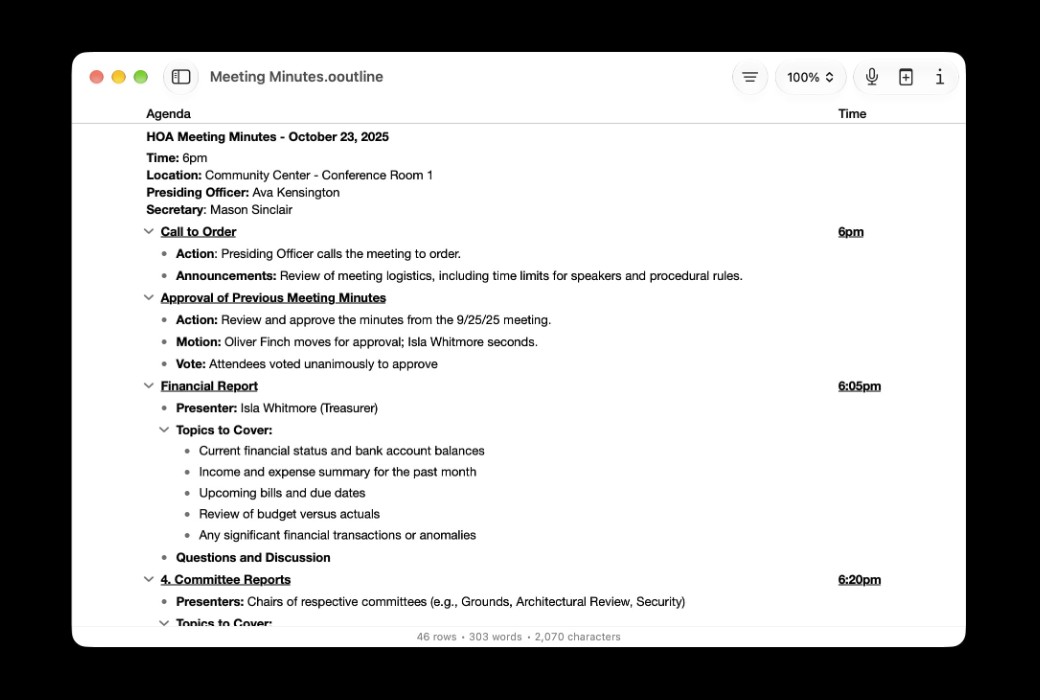
This tool is perfect for drafting a simple task list, creating meeting schedules, taking minutes of speeches during meetings, making activity plans, writing various tasks from diaries to scripts, and other tasks that require structured text.


ESSENTIALS version features


  1. Filtering: Use the search field in the toolbar to quickly filter keywords.
  2. Document statistics: The number of lines, words, and characters in the view are displayed in the bottom status bar.
  3. Attention free mode: Automatically hides the toolbar when switching to full screen mode.
  4. Side blank: In full screen mode, drag the border setting of the side blank to set the outline width independent of the monitor width.
  5. Cell Highlighting: Use highlighting on the left edge to indicate the currently edited cell, providing you with more background information about where and how large the cell is.
  6. Touch Bar: Use and customize Touch Bar to quickly access features.
  7. Dark mode: OmniOutliner's UI will adapt to the background color of your document theme.
  8. Bottom filling: You no longer need to be confined to the bottom of the window, use the additional filling input added under the outline.
  9. Typewriter mode: By automatically keeping the activity line in the middle of the screen, it keeps your line of sight stable.
  10. New file format: OmniOutliner 5 uses a new. outline format: This is a flat (zip format) file that is more compatible with third-party cloud synchronization platforms.
  11. Pro Document Compatibility: Documents containing Pro features are fully visible in Essentials, and there is also an option to import a copy with all Pro content removed.


PRO function


  1. Filtering: Create and save complex filters based on state, column data, and Boolean operations.
  2. Password Encryption: Add a password to your document and protect it with AES-256 encryption.
  3. Slide into toolbar: In full screen mode, move the cursor to any edge of the screen to temporarily display the corresponding toolbar.
  4. Style Preview: A preview of the style you are checking, displayed at the top of the inspector.
  5. Multi line focus: Focus on multiple selections by holding down the Command key while clicking on them in the toolbar section list.
  6. Adjust column size to fit: Select a column and use the resize button in the column type checker to adjust the width of OmniOutliner to fit the content.
  7. Specify column width: The column checker now applies editable fields for column width. You can also set an outline column to automatically resize the window or set it to a specific width.
  8. Keyboard Shortcuts: Within the application, easily customize keyboard shortcuts according to your own preferences.
  9. Excel export: Export to Excel (xlsx) format.
OmniOutliner 6 for Mac 信息大纲记录软件 LOGO

官方网站:https://www.omnigroup.com/omnigraffle

下载中心:https://omnioutliner.apsgo.cn

发货时间:人工处理

运行平台:macOS

界面语言:支持中文界面显示,多语言可选。

更新说明:永久使用,子版本免费更新。v6.x

买前试用:购前可免费试用 30 天。

如何收货:购买后,激活信息会以邮件的形式发送到下单时的邮箱,同时可在个人中心,我的订单中查看对应的产品激活码。

设备数量:单用户可安装 2 台电脑。

更换电脑:原电脑卸载,新电脑激活。

激活引导:待添加。

特殊说明:待添加。

参考资料:https://support.omnigroup.com/about-our-software-licenses

Any question
Submit
Ask a question
All DefaultNewest